Note
This page was generated from a Jupyter Notebook. Download the notebook (.ipynb)
[1]:
# Skipped in CI: Colab/bootstrap dependency install cell.
Segment Analysis: Visualization
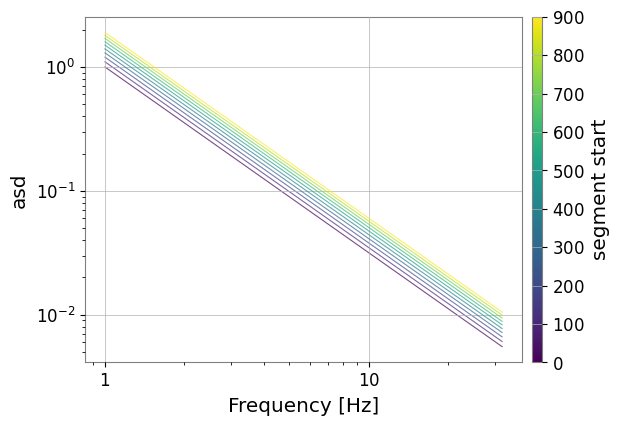
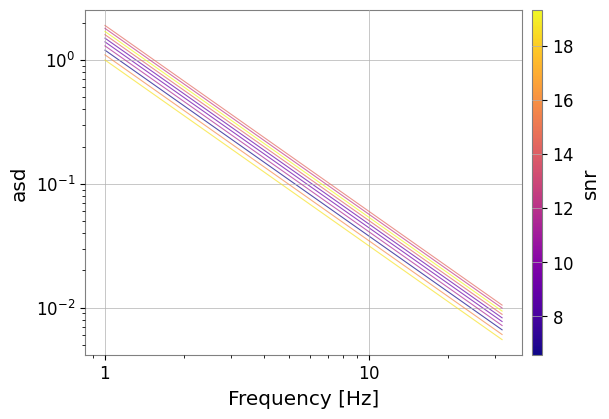
SegmentTable provides rich plotting features, specifically optimized for comparing spectra over multiple segments via overlay_spectra().
The segment boundaries are still gwpy.segments.Segment, and the spectra being overlaid are GWpy FrequencySeries objects. gwexpy adds the table-oriented visualization layer by collecting those GWpy base classes in SegmentTable and providing overlay, color grading, and overview layouts on top. For the base relationship between GWpy classes and gwexpy extensions, see SegmentTable: Basics.
[2]:
import warnings

warnings.filterwarnings("ignore", category=UserWarning)
warnings.filterwarnings("ignore", category=DeprecationWarning)

import warnings

with warnings.catch_warnings():
    warnings.simplefilter('ignore')

    import numpy as np
    from gwpy.frequencyseries import FrequencySeries
    from gwpy.segments import Segment

    from gwexpy.table import SegmentTable

    def make_fs(i):
        f = np.linspace(1, 32, 256)
        data = (1.0/(f**1.5)) * (1.0 + i*0.1)
        return FrequencySeries(data, frequencies=f)

    segs = [Segment(i*100, i*100+100) for i in range(10)]
    st = SegmentTable.from_segments(segs, snr=np.random.uniform(5, 20, 10))
    st.add_series_column("asd", data=[make_fs(i) for i in range(10)], kind="frequencyseries")

    # 1. Overlay spectra graded by start time (default)
    plot = st.overlay_spectra("asd", color_by="t0")
    plot
Color Grading by Meta Column
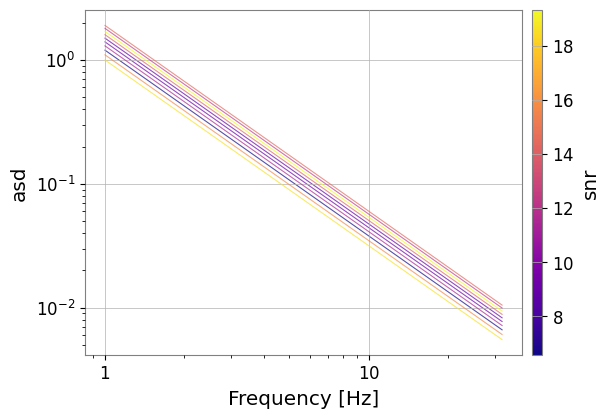
You can color individual lines based on any numeric meta column (e.g., SNR).
[3]:
plot = st.overlay_spectra("asd", color_by="snr", cmap="plasma")
plot
[3]:
Overview Layouts
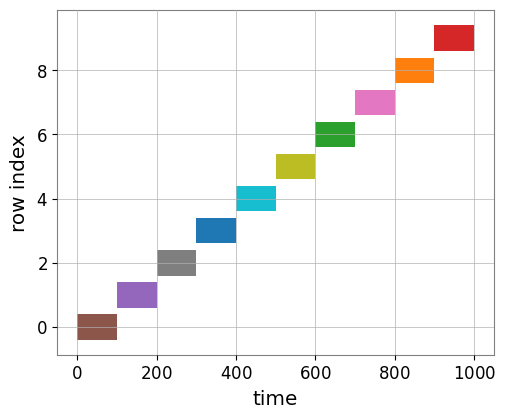
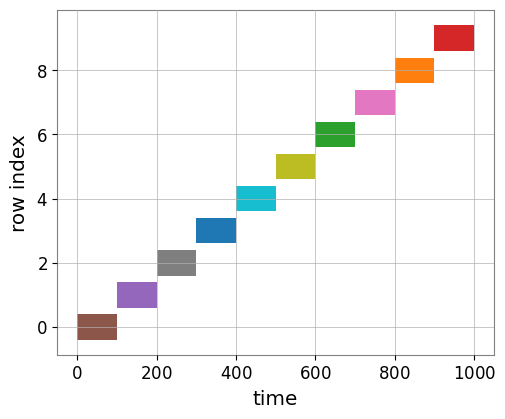
Use segments() to see the temporal layout of your table.
[4]:
st.segments(color="snr")
[4]: